




5 looks · drag to compare
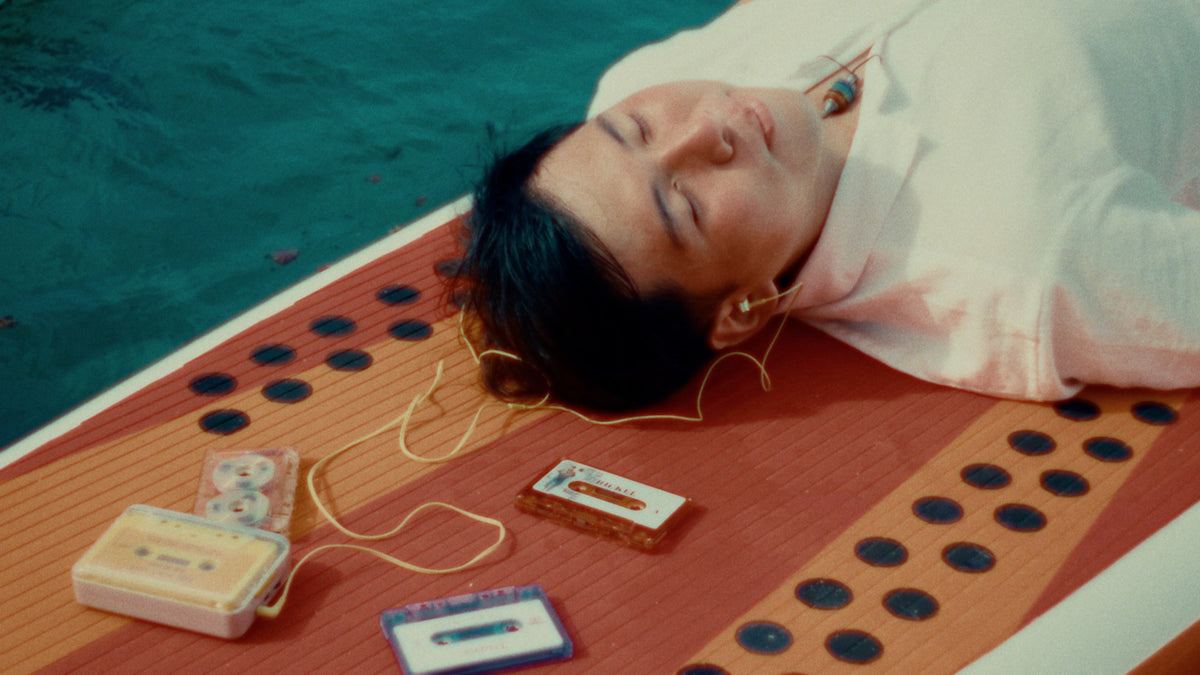
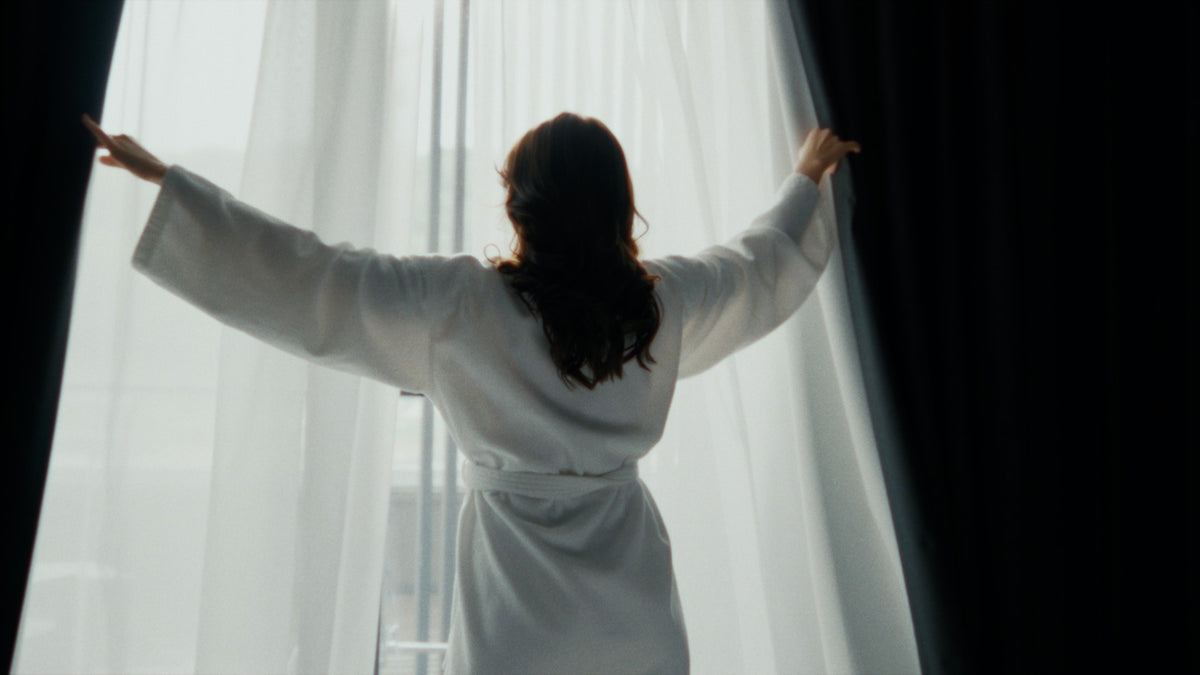
See it on different footage.
Real before and afters from the pack. Drag the line on any shot.
 before
 after
after
 before
 after
after
 before
 after
after
 before
 after
after
 before
 after
after
Spectrum · the complete LUT bundle
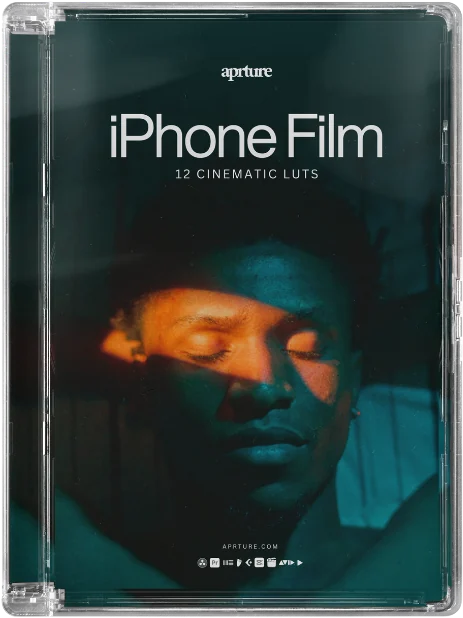
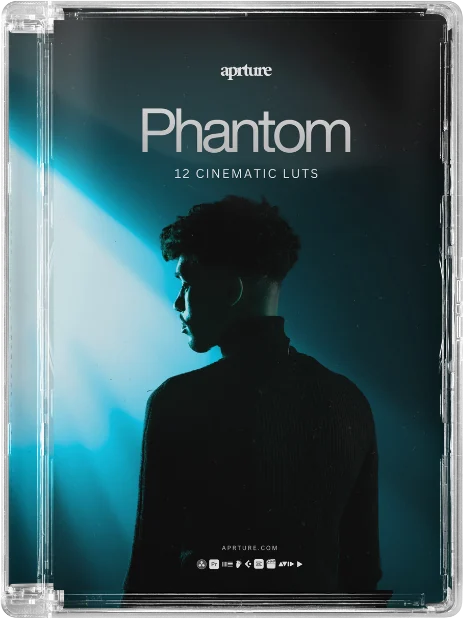
Like iPhone Film? You'll want the other nine.
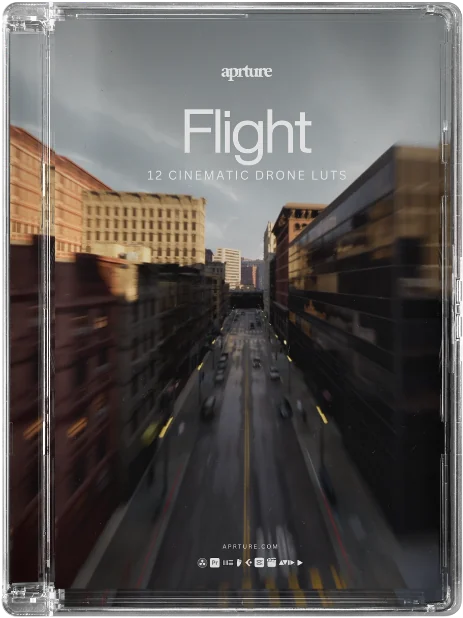
One pack is one mood. Spectrum is all ten packs, 120 grades for every kind of shoot, for less than three single packs.
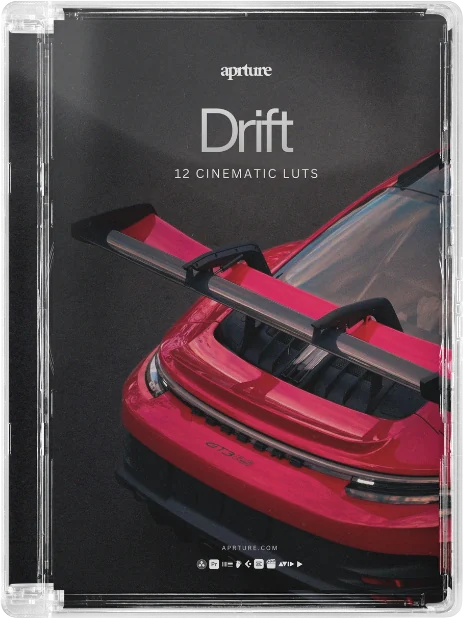
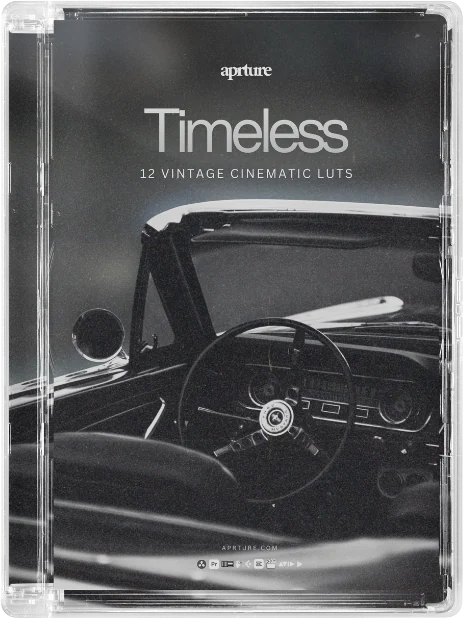
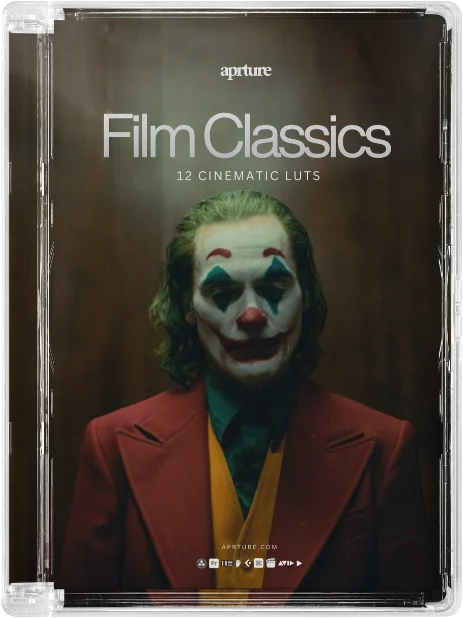
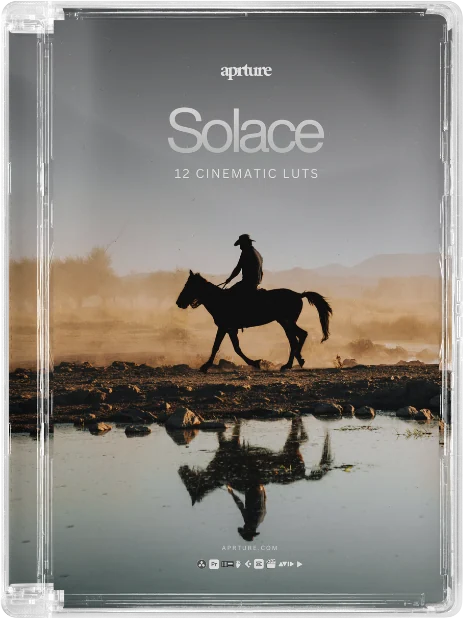



Watch before you buy
From download to graded in minutes.
The same video ships with your order, so you never stare at a folder of .cube files wondering what next.
Finish the look
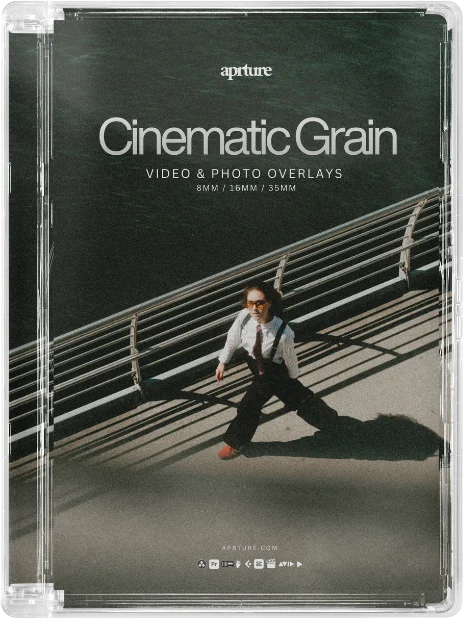
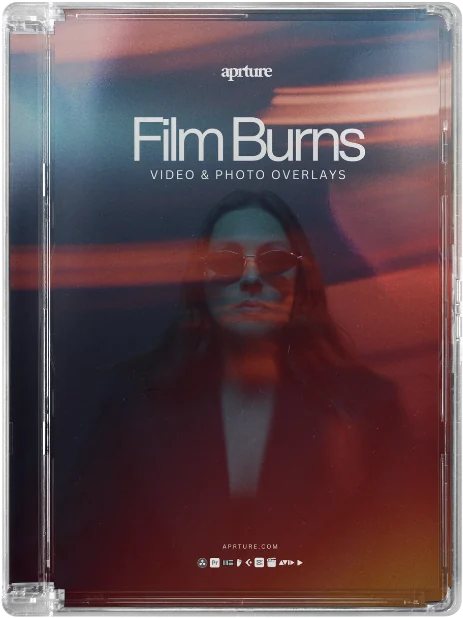
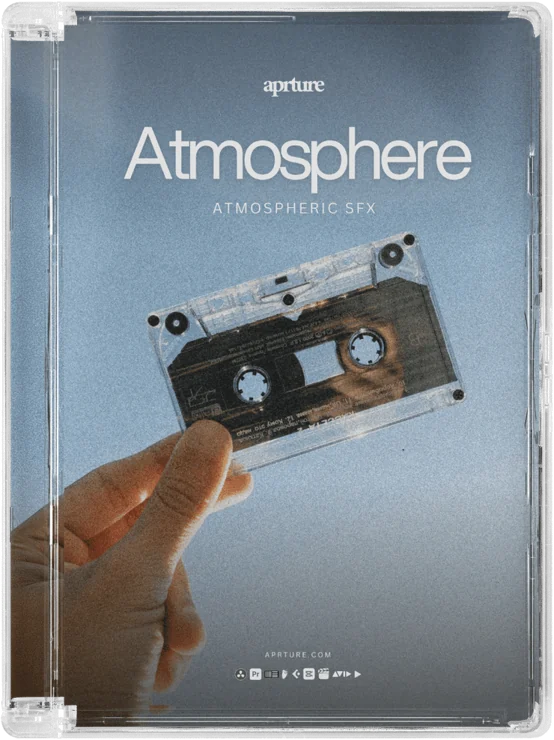
iPhone Film hits harder with texture.
iPhone Film, in the wild.
Reviews
Thank you. Your review has been sent for moderation and will appear only after approval.
Customers who review from our review email get a thank-you discount, whatever their rating. Reviews are checked before they appear.
Really good base grades for iPhone Log. I normally reduce the strength slightly, but the colour and contrast are already very close.
Shot a weekend trip entirely on my iPhone and used this pack for the final film. It gave the footage a much more cohesive look.
These are the first LUTs I have used on Apple Log that did not make skin tones look strange straight away. Very easy to tweak from there.
What is a LUT?
A LUT (look-up table) applies a crafted colour grade in one click. It's the fastest way to give footage a consistent, professional, filmic finish, and it works in most editing apps.
Will it work in my software?
Yes. Premiere Pro, DaVinci Resolve, Final Cut Pro, CapCut, LumaFusion and anything that reads .cube files, on desktop and mobile.
I shoot in log. What do I do?
Our LUTs are built for Rec.709. Apply the free log-to-Rec.709 conversion LUT for your camera first, then the grade. It's included with every order.
How do I install them?
Drag, drop, done. Every pack includes a setup guide and video tutorial. If you get stuck, we'll sort it for you.
Can I use them for client work?
Personal use is included. For client, brand or monetised work, add the one-time £12 commercial licence at checkout. No per-project fees. You can't resell or share the raw files.
Is this beginner friendly?
Completely. One-click looks plus short tutorials. No colour-grading degree required.
Can I get a refund?
Because these are digital files, all sales are final. If anything goes wrong with your download or order, email info@aprture.com and we'll put it right.