
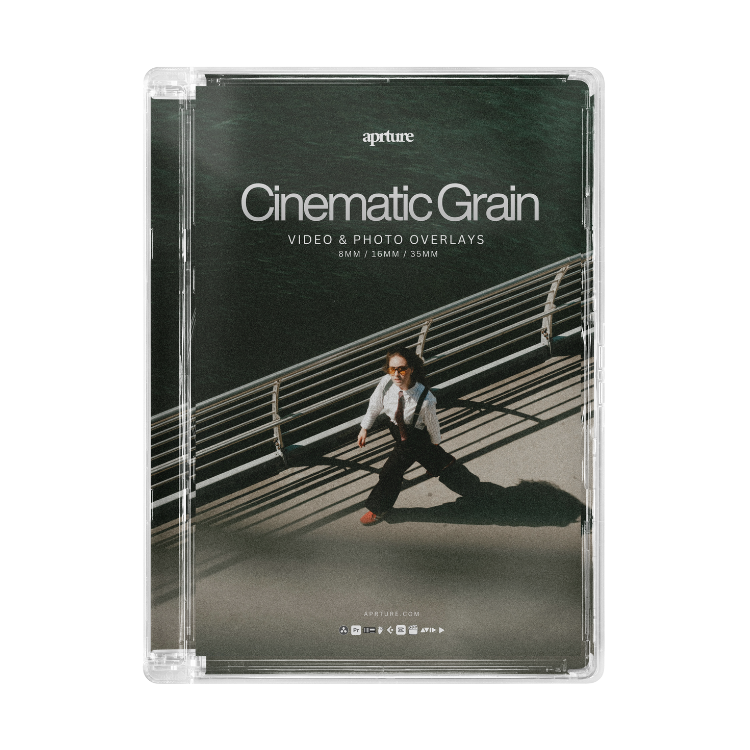
Cinematic Grain - Video & Photo Overlays


 and 623 people purchased
Once your payment is complete, your files will be available for instant download directly on the checkout page and via email. (This is not a physical product)
- Works with any camera
- Works with any editing software
- Tutorials included
Buy it with


Inside the Collection
148 Professional Grain Assets
8mm, 16mm, 35mm
Made with precision.
Bring back the magic of real film.
Drag and drop to instantly give your footage that nostalgic, cinematic feel.

Cinematic Results, Instantly
Transform your footage in seconds, no complex grading, just clean, filmic tones.
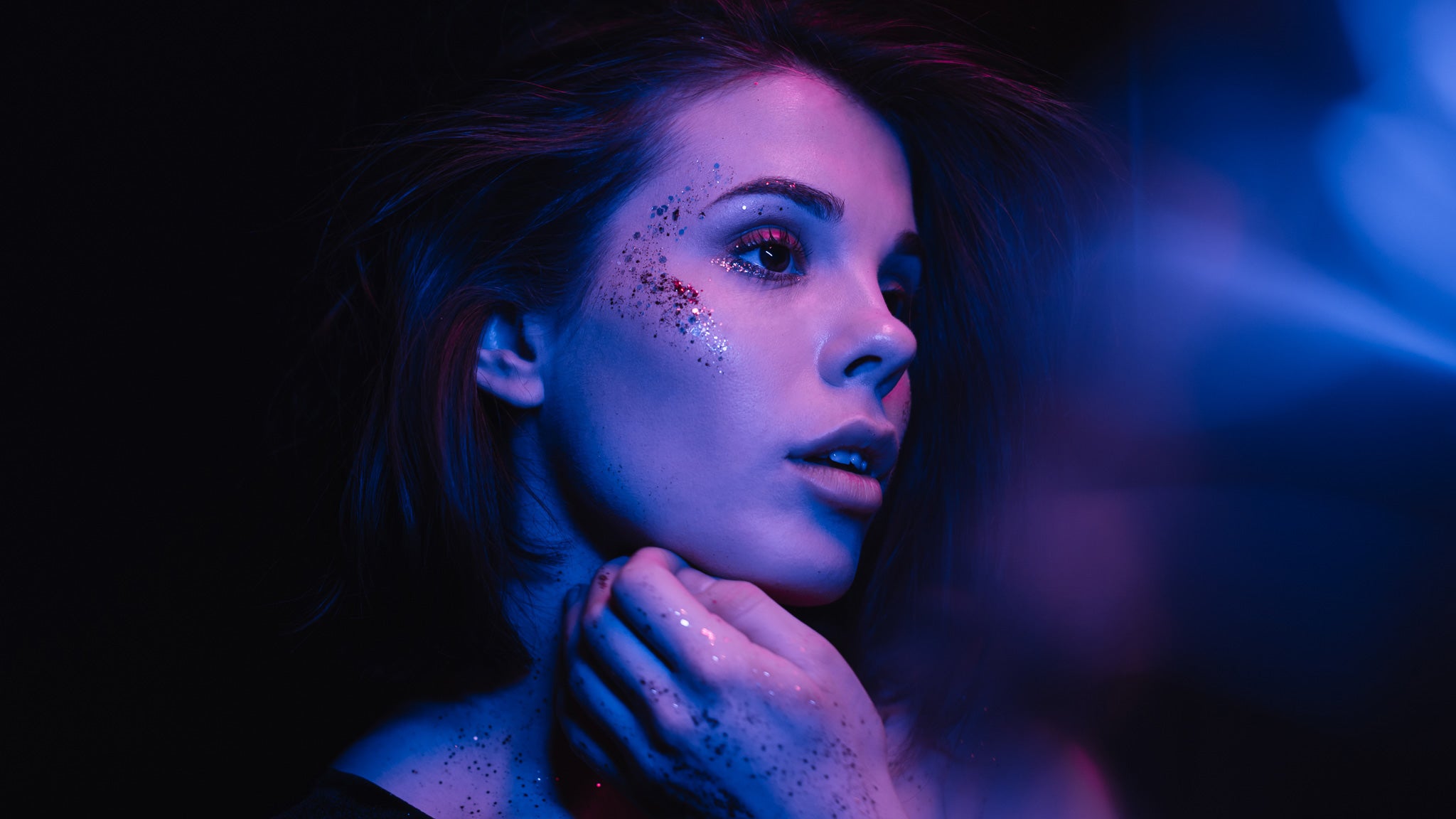
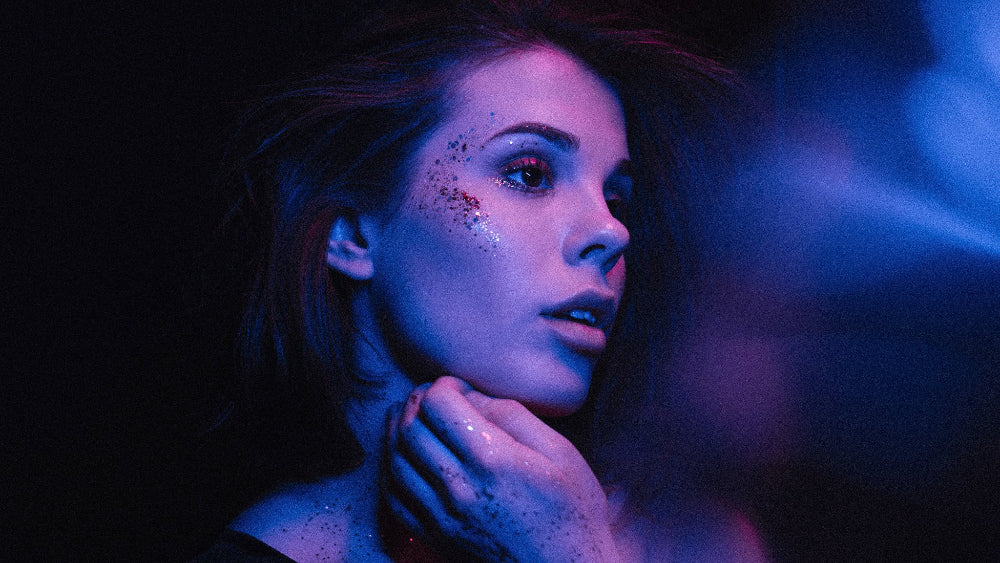
Slide below to see the change.
8mm
Before
After
16mm

Before

After
35mm

Before

After

Why use Cinematic Grain
Digital footage is too clean. No texture, no imperfection, nothing for the eye to sit on and it's exactly what makes footage feel digital instead of filmic.
Grain fixes that. 8mm gives you the heaviest, roughest texture, 35mm the finest and most subtle, 16mm sits in between. Drop one over your footage, blend it in, and the clip stops looking like it came straight off a sensor.
"These do an awesome job at removing that nasty digital look from modern cameras."
Testimonials
Ben Lawson
"Looks Straight Out of a Movie"
“These grades instantly made my footage feel like it came from an actual film set.”
Mia Harper
"Easy to Use, Stunning Output"
“Finally found film-style grains that actually deliver... not overdone, just right.”
Jamie Ellis
"The Real Cinematic Feel"
“No other grain pack I’ve tried comes this close to the real look of film.”
FAQs
What's included in this pack?
You'll get a full collection of 8mm, 16mm, and 35mm film grain overlays - all scanned from real film reels to capture authentic texture, flicker, and light.
Drop them onto your digital footage and get that proper cinematic, grainy film look instantly.
What software works with these?
They work with all the usual editing software - Premiere Pro, Final Cut, DaVinci Resolve, After Effects, CapCut, and more. Static overlays also work in Lightroom, Photoshop, and similar apps.
How do I use them?
Drag the overlay onto your timeline or image layer, then set the blend mode to Screen, Add, or Overlay. That's it.
What resolution are they?
All overlays are 4K, so they stay crisp and detailed on any project.
Do I need any plugins?
Nope. Everything works straight out the box with your editing software.
