






4 looks · drag to compare
See it on different footage.
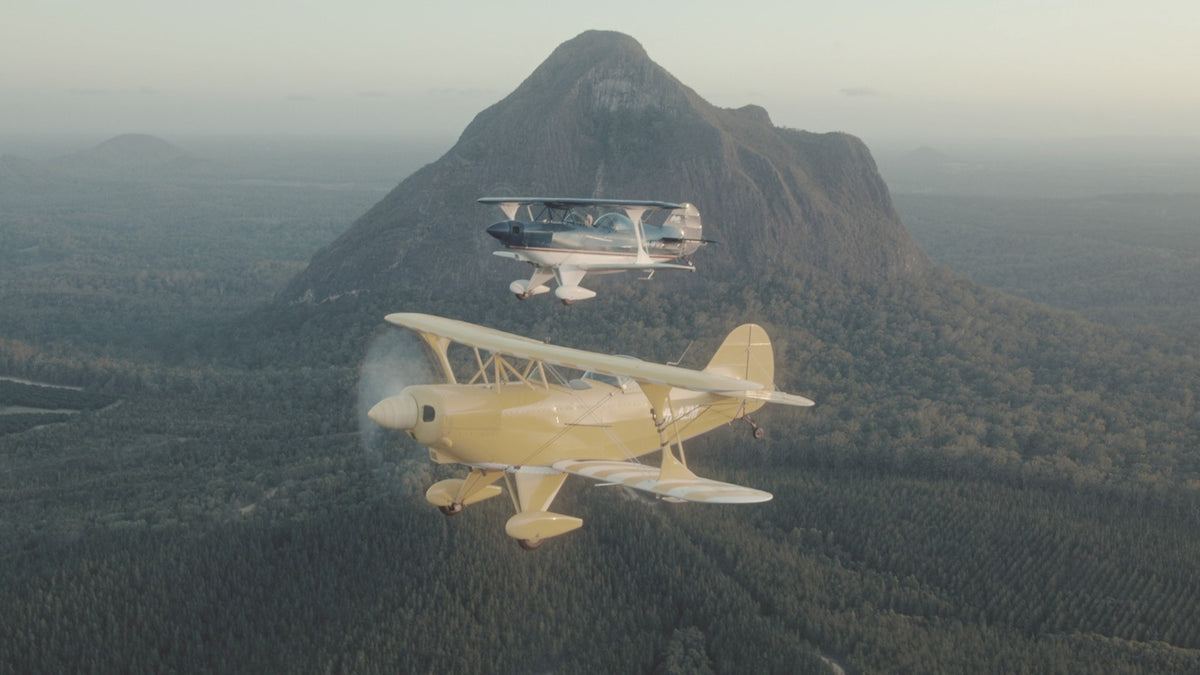
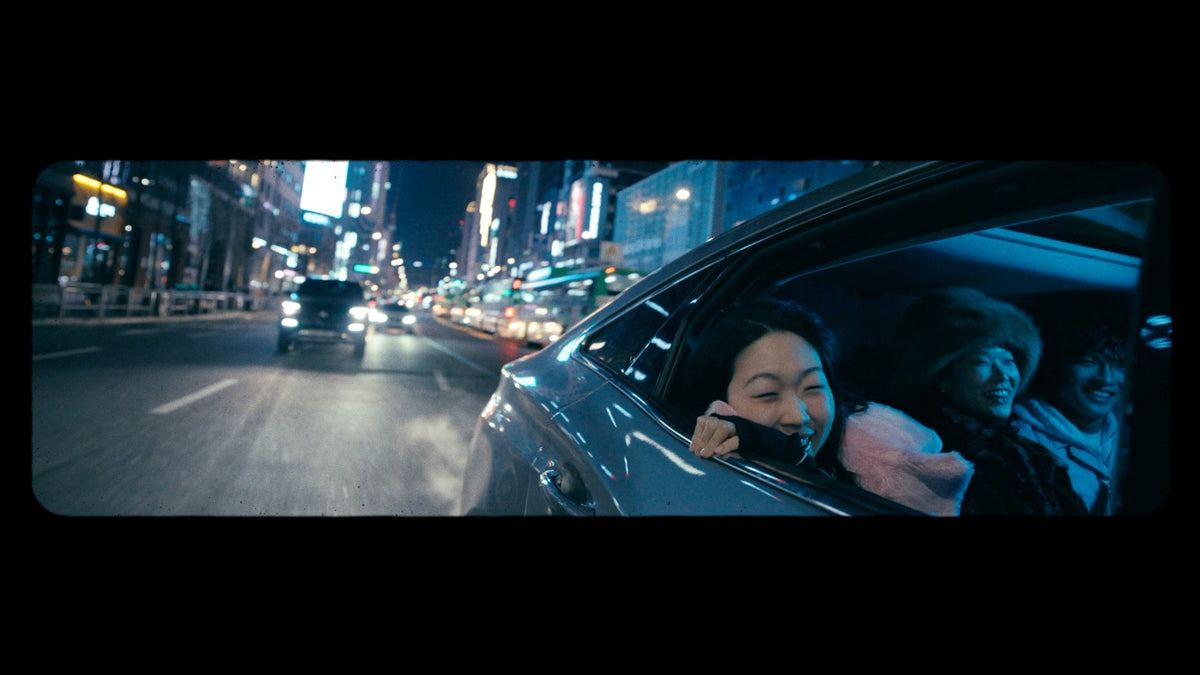
Real before and afters from the pack. Drag the line on any shot.
 before
 after
after
 before
 after
after
 before
 after
after
 before
 after
after
The Editing Bundle
Get all four overlay packs. And every LUT.
The Editing Bundle includes every overlay pack, all 120 LUTs and the Motion sound library. 1,400+ assets in one download.

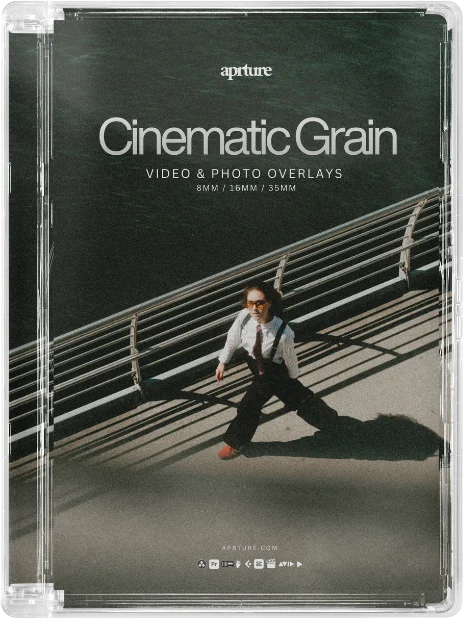

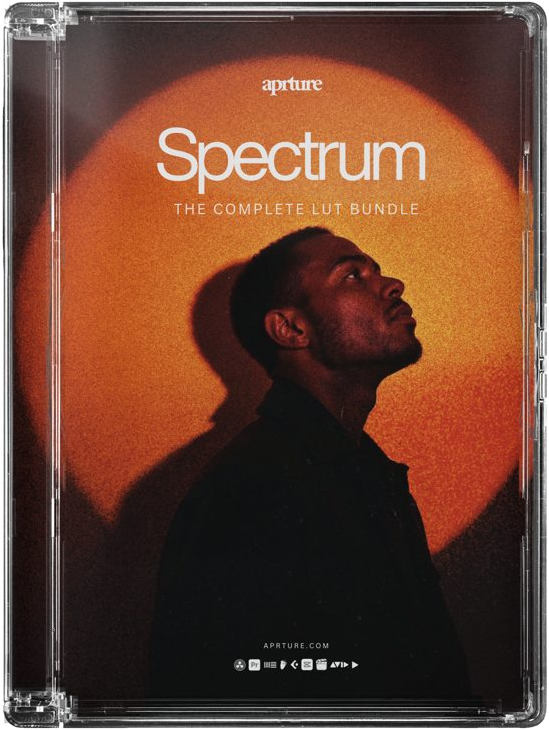
See it in motion
Drop it on. Set the blend. Done.
Real film, shot and scanned. Lay it over your footage, pick the blend mode and it sits in the shot like it was always there.
Finish the look
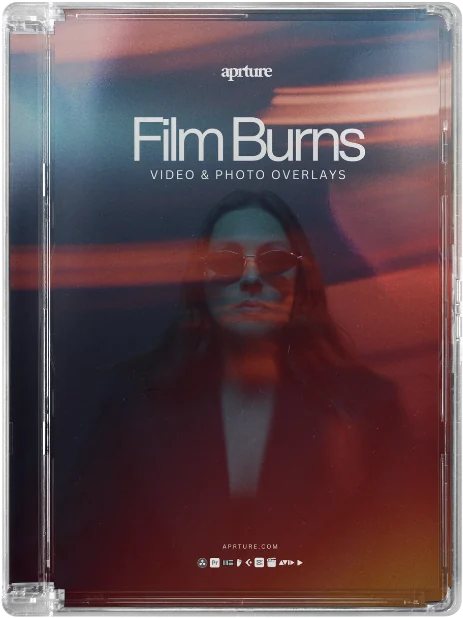
Stack it with more film.
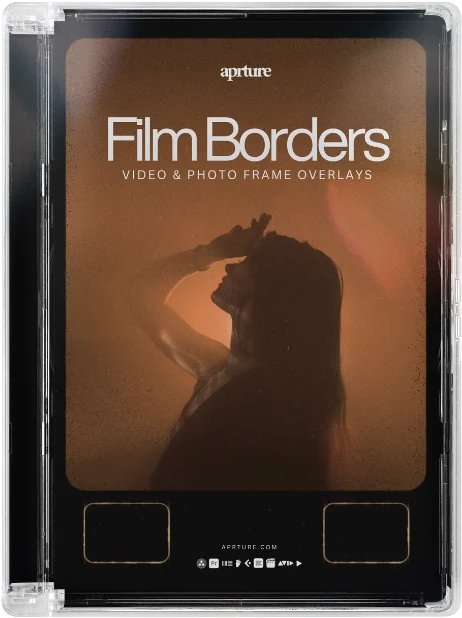
Film Borders, in the wild.
Reviews
Thank you. Your review has been sent for moderation and will appear only after approval.
Customers who review from our review email get a thank-you discount, whatever their rating. Reviews are checked before they appear.
Good pack for adding a bit of character to clean digital footage. Some are bold, but there are plenty of understated options too.
Easy to drop into Premiere and there are enough variations that I am not repeating the same border on every project.
Really nice selection of frames. I have mainly used the subtler ones for vertical edits and they give the footage a finished film look without taking over.
What is an overlay?
A real piece of film, shot and scanned, that you lay over your footage. Set the blend mode and the texture, light or frame sits in the shot naturally.
Will it work in my software?
Yes. Premiere Pro, DaVinci Resolve, Final Cut Pro, CapCut, LumaFusion and anything that reads .cube files, on desktop and mobile.
How do I install them?
Drag, drop, done. Every pack includes a setup guide and video tutorial. If you get stuck, we'll sort it for you.
Can I use them for client work?
Personal use is included. For client, brand or monetised work, add the one-time £12 commercial licence at checkout. No per-project fees. You can't resell or share the raw files.
Is this beginner friendly?
Completely. One-click looks plus short tutorials. No colour-grading degree required.
Can I get a refund?
Because these are digital files, all sales are final. If anything goes wrong with your download or order, email info@aprture.com and we'll put it right.