
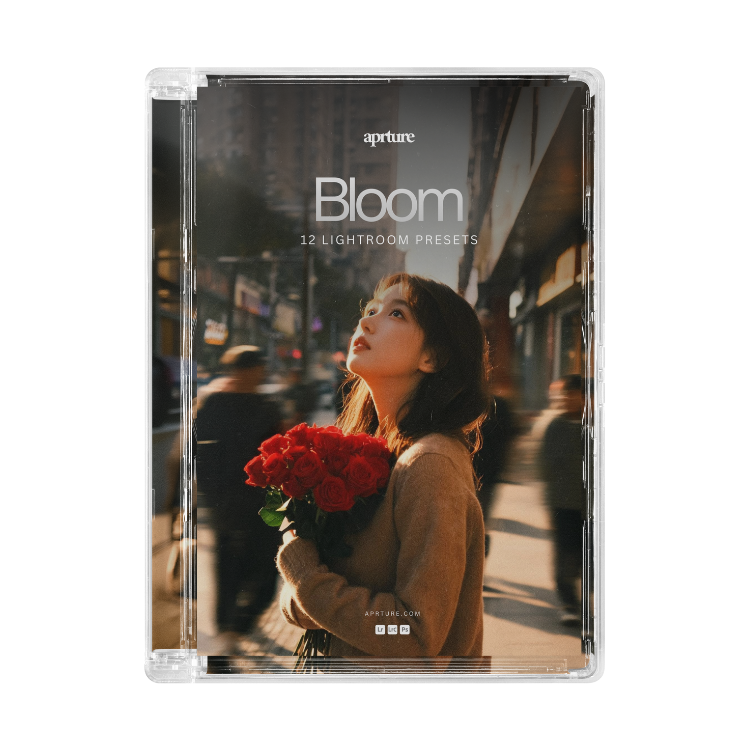
Grundlagen – Lightroom-Voreinstellungen


 and 563 people purchased
Once your payment is complete, your files will be available for instant download directly on the checkout page and via email. (This is not a physical product)
- Works with any camera
- One-click installation
- Tutorials included
Inside the Collection
12 Cinematically Inspired Presets
Hand-crafted for that warm, golden-hour feel. Each preset is designed to bring out delicate skin tones, glowing highlights, and a soft cinematic atmosphere - built for portraits, weddings, lifestyle, and golden hour shoots.
From flat to filmic.
Bloom is built to soften, warm, and elevate. Skin tones come alive, highlights glow, and every photo gains that effortless cinematic feel.
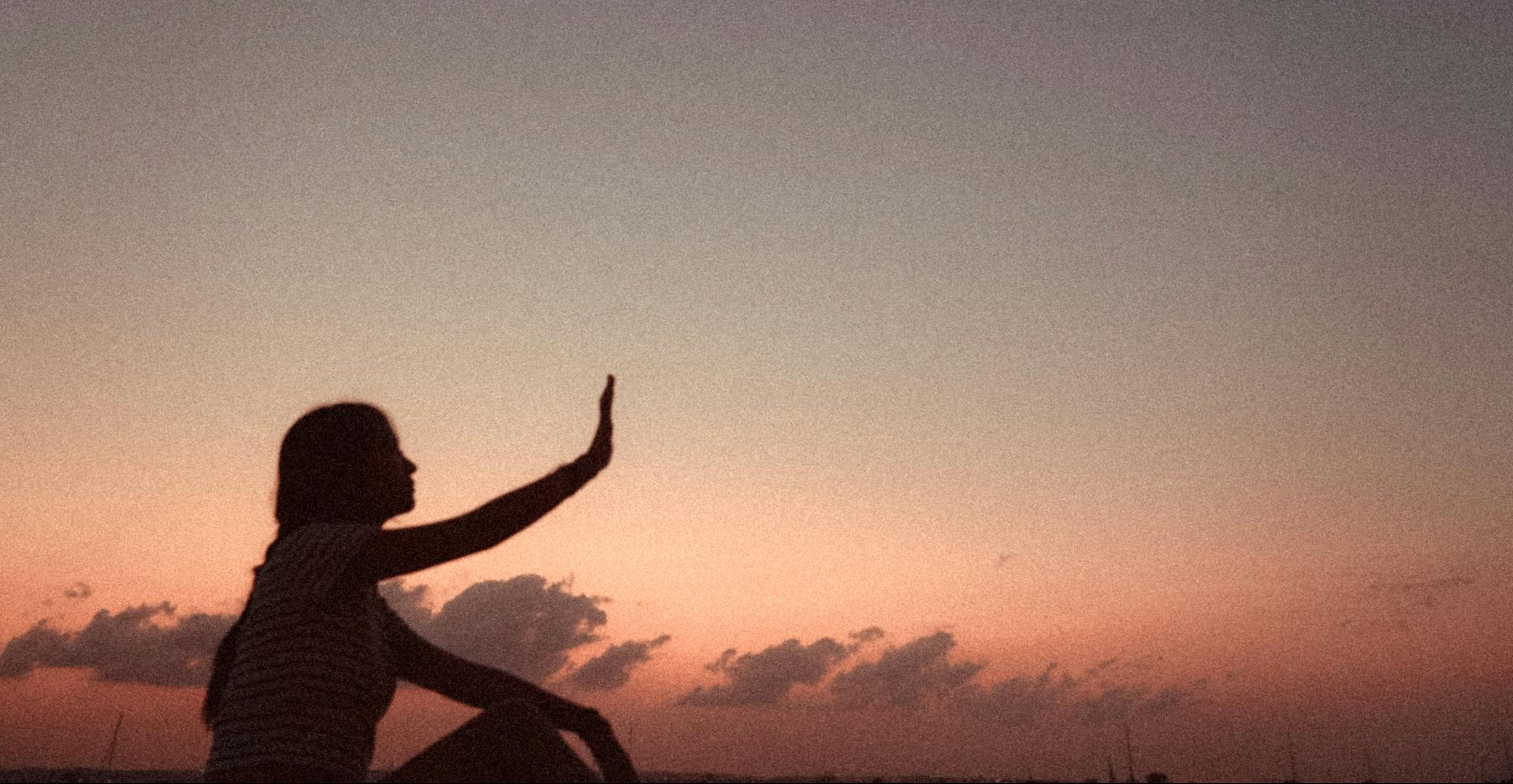
Cinematic Results, Instantly
Transform your photos in seconds, no complex editing required. Just clean, warm, filmic tones.
Slide below to see the change.
Everyday Film

Before

After
Memory Light

Before

After
Night Shift

Before

After
"Cheapest investment I've made in my editing workflow and it's made the biggest difference."
Testimonials
Tom Whitaker
"Worth It"
"Took a few shots to learn how to dial them in, but once I did... brilliant. Feed looks way more polished."
Hannah Cole
"Beautiful, Just Beautiful"
"Every photo I apply these to suddenly looks like it belongs in a magazine."
Theo Marsden
"A Bit Strong on Some Shots"
"Brilliant most of the time, just have to pull the intensity down on some bright outdoor shots."
FAQs
What are Lightroom presets?
Presets are pre-built editing settings that apply a full color and tone adjustment in one click. Instead of editing photos manually, you import the presets into Lightroom and apply them to any photo for an instant cinematic look.
How do I install them?
Installation instructions are included as a PDF with your purchase. The process is quick - just import the preset files into Lightroom Desktop or Lightroom Mobile and they're ready to use.
What software do they work with?
Our presets work with Lightroom Desktop, Lightroom Classic, and Lightroom Mobile (free version included). They also work with Photoshop's Camera Raw filter.
Will they work on any camera?
Yes. The presets are built to work on JPEG and RAW files from any camera - phone, mirrorless, DSLR. You can also adjust the intensity of each preset to match your photo's lighting.
Can I use them for client work?
Yes - a commercial licence is available at checkout if you're using the presets for paid client work, weddings, or branded content. Personal use is included by default.